

Dell has just shaken the national hardware market with a heavy-hitting novelty for tech enthusiasts. The new Monitor Alienware promises to raise the bar for high-level competitions in the country with cutting-edge features.
What is the Monitor Alienware AW2726DM? It is a next-generation monitor para esports that utilizes a 27-inch monitor QD-OLED panel, offering a 240Hz refresh rate and a record-breaking 0.03ms response time to ensure maximum fluidity in matches.
Investing in a Monitor Alienware means having access to the latest display technologies available in the world today. Furthermore, the brand’s iconic design remains a separate attraction for those looking to build a modern and functional setup.
Everything about the Monitor Alienware and QD-OLED Technology
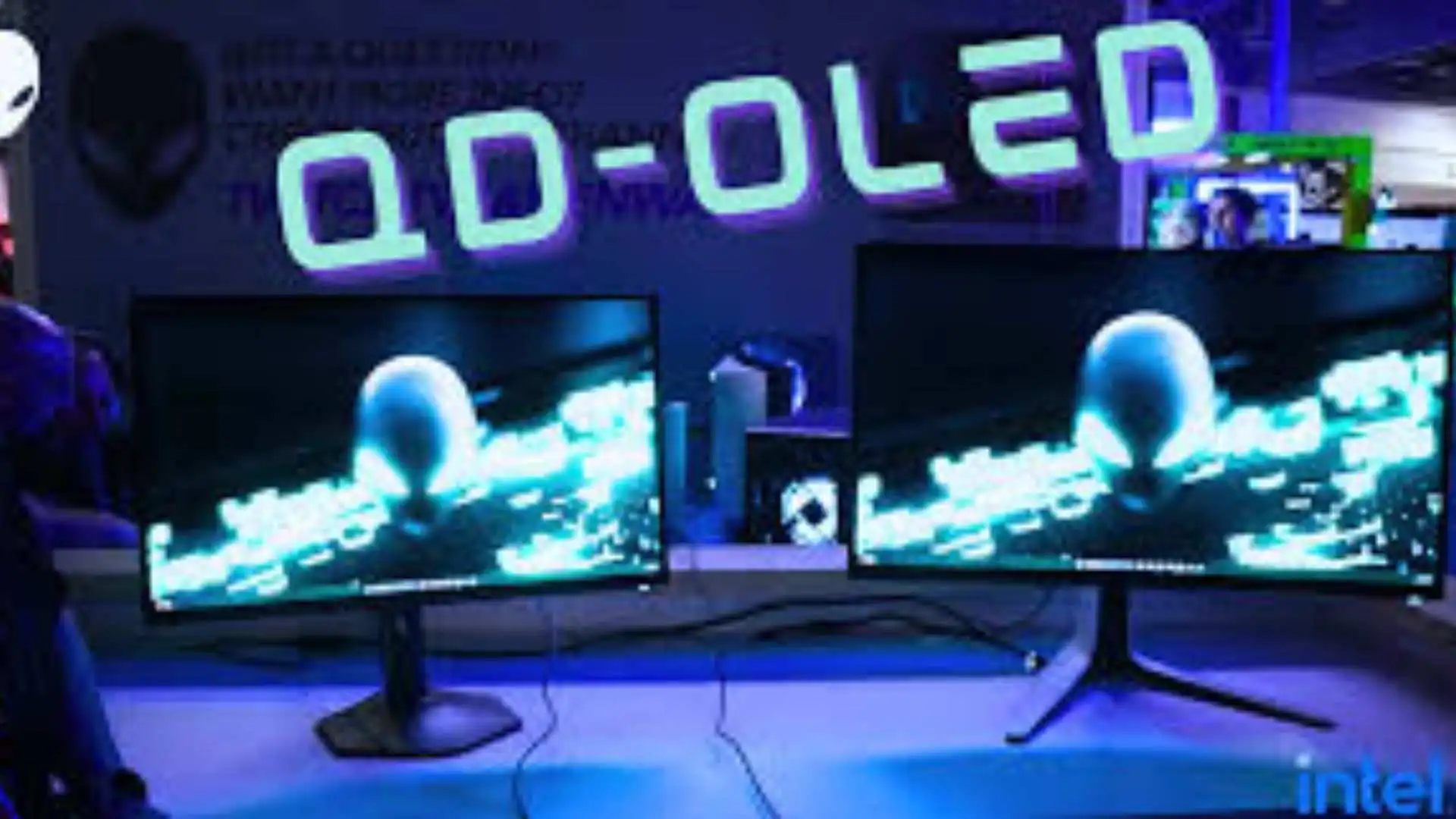
The big star of this launch is, without a doubt, the implementation of the monitor QD-OLED. This technology represents the pinnacle of current image quality, uniting the best of both worlds for the demanding user.
Therefore, the system mixes powerful quantum dots with organic light-emitting diodes. In this way, the colors emitted by the AW2726DM become much more precise, bright, and realistic than in conventional panels.
The Power of Quantum Dots and Organic Diodes
Furthermore, color purity is one of the greatest benefits of this architecture. Since each pixel emits its own light, the dynamic contrast reaches an impressive 1,500,000:1 in official measurements.
Consequently, the screen can deliver truly pure and deep black tones without the light leakage effect. In this sense, the Alienware monitor para esports ensures you see enemies hidden in dark areas with total clarity.
Performance of the AW2726DM in Competitive Gaming
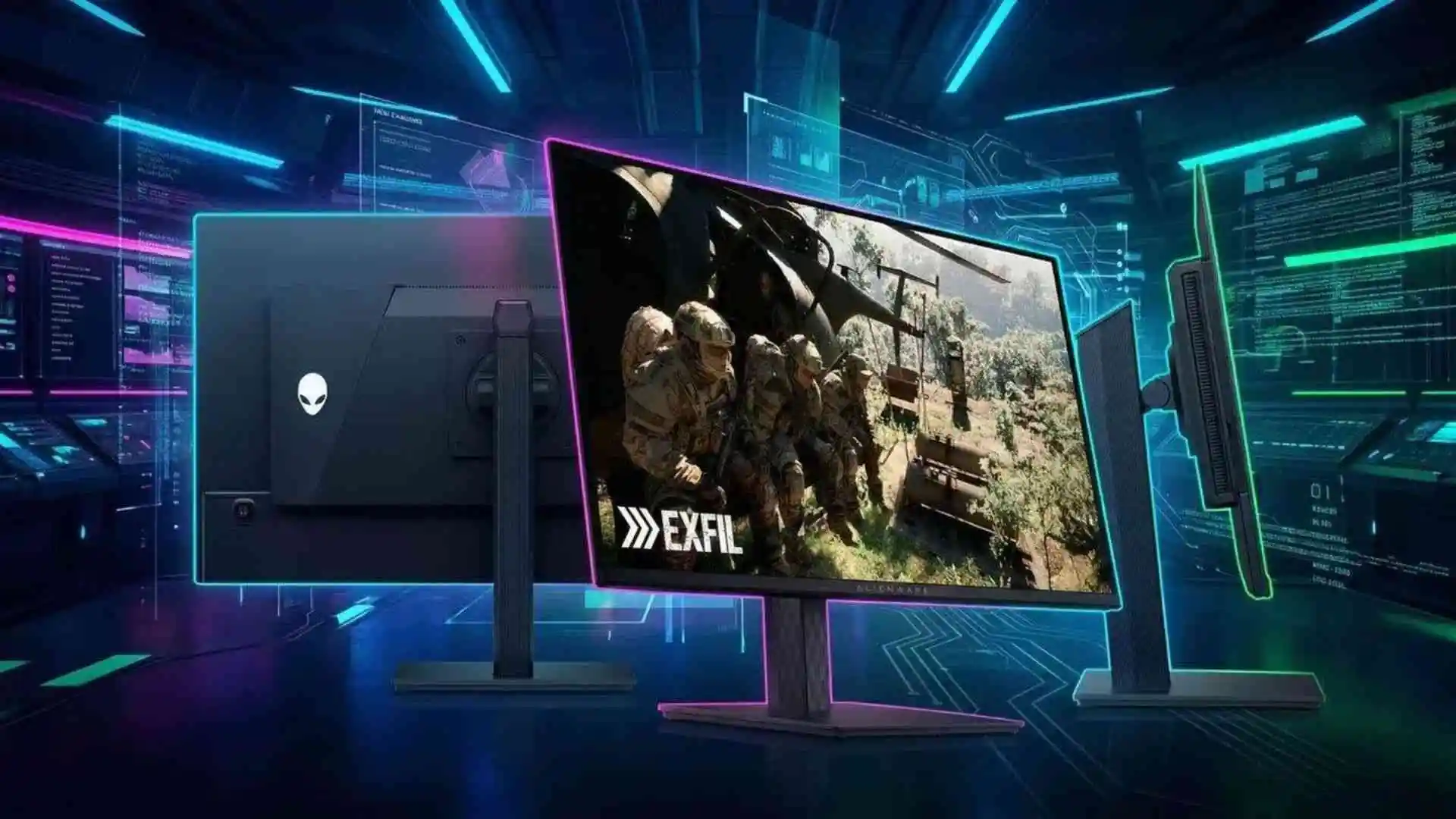
For those seeking raw performance, the AW2726DM delivers specifications that challenge the limits of human perception. The Quad HD resolution (2560 x 1440 pixels) was the perfect choice to balance sharpness and performance.
However, the true differentiator for professional athletes lies in the panel’s update speed. With native 240Hz, frame transitions occur instantaneously, eliminating any ghosting or image trails.
Refresh Rate and Response Time for Pro Players
Moreover, the 0.03ms (GtG) response time puts this monitor QD-OLED in an elite tier. Thus, the dreaded motion blur completely disappears, even in the most frantic action scenes of the shooter scene.
On the other hand, the 99% coverage of the DCI-P3 color gamut ensures cinematic fidelity. Below, we list the main technical highlights that make this device a performance monster:
- 27-inch panel with monitor QD-OLED technology.
- Extreme 240Hz refresh rate via DisplayPort.
- Ultra-fast 0.03ms response time.
- VESA DisplayHDR True Black 400 certification.
- Full support for AMD FreeSync Premium and VESA AdaptiveSync.
Connectivity and Console Support for the monitor para esports

The versatility of connections is fundamental for those who use multiple gaming platforms simultaneously. The AW2726DM features a modern DisplayPort 1.4 port, essential for reaching the maximum update frequency.
Additionally, the chassis accommodates two high-speed HDMI 2.1 ports. However, it is important to note that HDMI connections limit the frequency to 120Hz at QHD resolution, which is still excellent for consoles.
HDMI 2.1 and DisplayPort Inputs
In this way, Dell’s monitor para esports perfectly serves owners of PlayStation 5 and Xbox Series X. Since these consoles support 120Hz, the gaming experience remains fluid and responsive on any connected device.
In this sense, the inclusion of Variable Refresh Rate (VRR) support is a valuable bonus for players. Consequently, stuttering and screen tearing are eliminated, ensuring stable gameplay from the beginning to the end of the session.
- Connect the robust power cable to the back of the monitor.
- Utilize the included DisplayPort cable to reach 240Hz on PC.
- Configure color options in the OSD menu for creator mode.
- Enable HDR in Windows settings for maximum brightness.
- Adjust the base height to keep the screen at eye level.
Ergonomics and Value of the Monitor Alienware
Player comfort was an absolute priority during the development of this new hardware. The articulated desk stand allows for a wide range of movements to adjust to any body type.
Therefore, the metallic arm allows for freely changing the height, tilt, and even lateral rotation. Furthermore, the pivot mode allows the screen to be completely vertical, making life easier for streamers who need to read the chat.
Visual Comfort and Base Adjustments
Visual protection also received special attention with the three-star TÜV Rheinland certification. Thus, eye fatigue is drastically reduced after long hours of intense training.
Consequently, the special protective glass filters harmful blue light without distorting the vibrant colors of the monitor QD-OLED. In the Brazilian market, the official value to acquire this piece of premium technology is R$ 4,799.
Invariably, the price reflects the build quality and the support guarantee that Dell offers in the country. Finally, the launch of the Monitor Alienware AW2726DM consolidates the brand as the definitive choice for those who accept nothing less than visual perfection in a monitor para esports.
Prepare to rediscover your favorite games with the power of the Monitor Alienware.